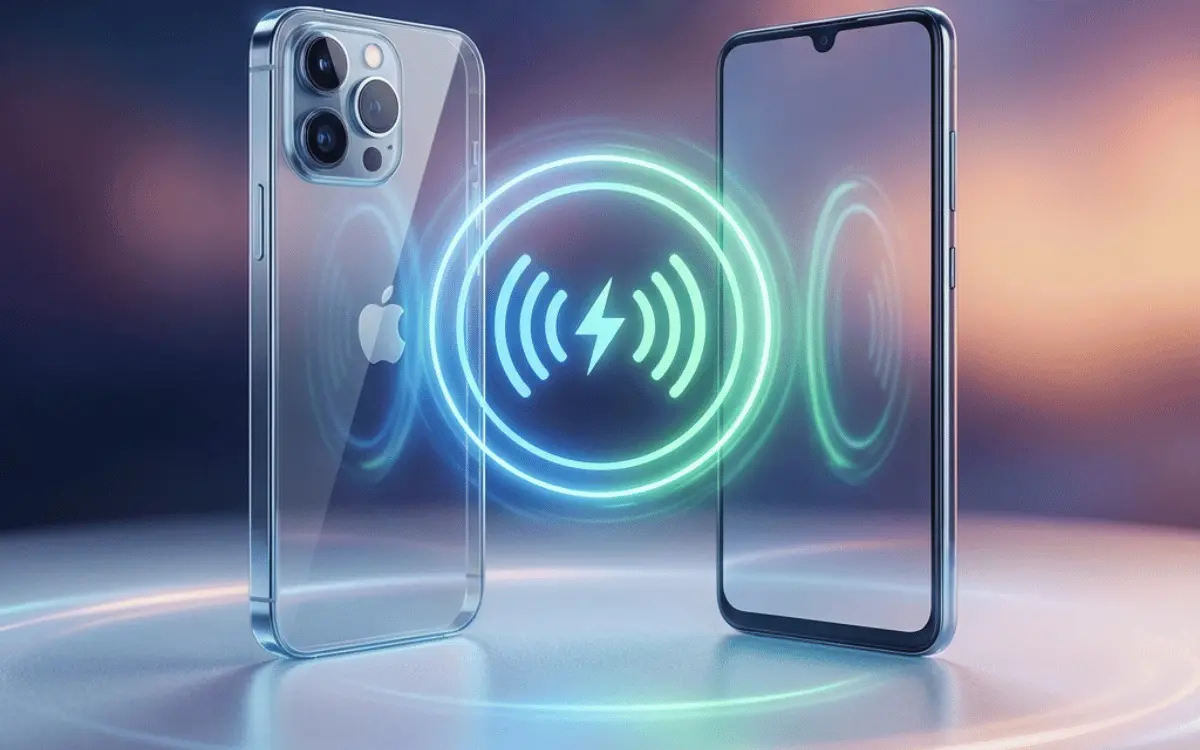
People often search for how to transfer charge from iPhone to Android wirelessly, especially when someone’s phone battery is dying and there’s no charger around. Wireless power sharing sounds convenient — just place two phones together and let one charge the other.
But is it possible between iPhone and Android?
Can iPhone share battery wirelessly at all?
Are there any tricks or apps to make it work?
In this detailed guide, you’ll learn:
- Whether iPhone supports wireless battery sharing
- Why Android phones can do it but iPhones can’t
- What Apple plans for future iPhones
- Best alternatives you can use today
- Hidden features most people don’t know
- FAQs + safe charging tips
Let’s break it down simply.
Does iPhone Support Wireless Reverse Charging?
Short answer: No, iPhones (including iPhone 15 series) do NOT support wireless reverse charging to other phones.
iPhones have MagSafe wireless charging, but it only works in one direction — charging the iPhone, not giving charge to another device.
Apple has not yet activated the feature for:
- Android phones
- Other iPhones
- AirPods (wirelessly)
- Apple Watch
Although some professional teardown reports show that iPhone hardware may have the capability, Apple hasn’t enabled it.
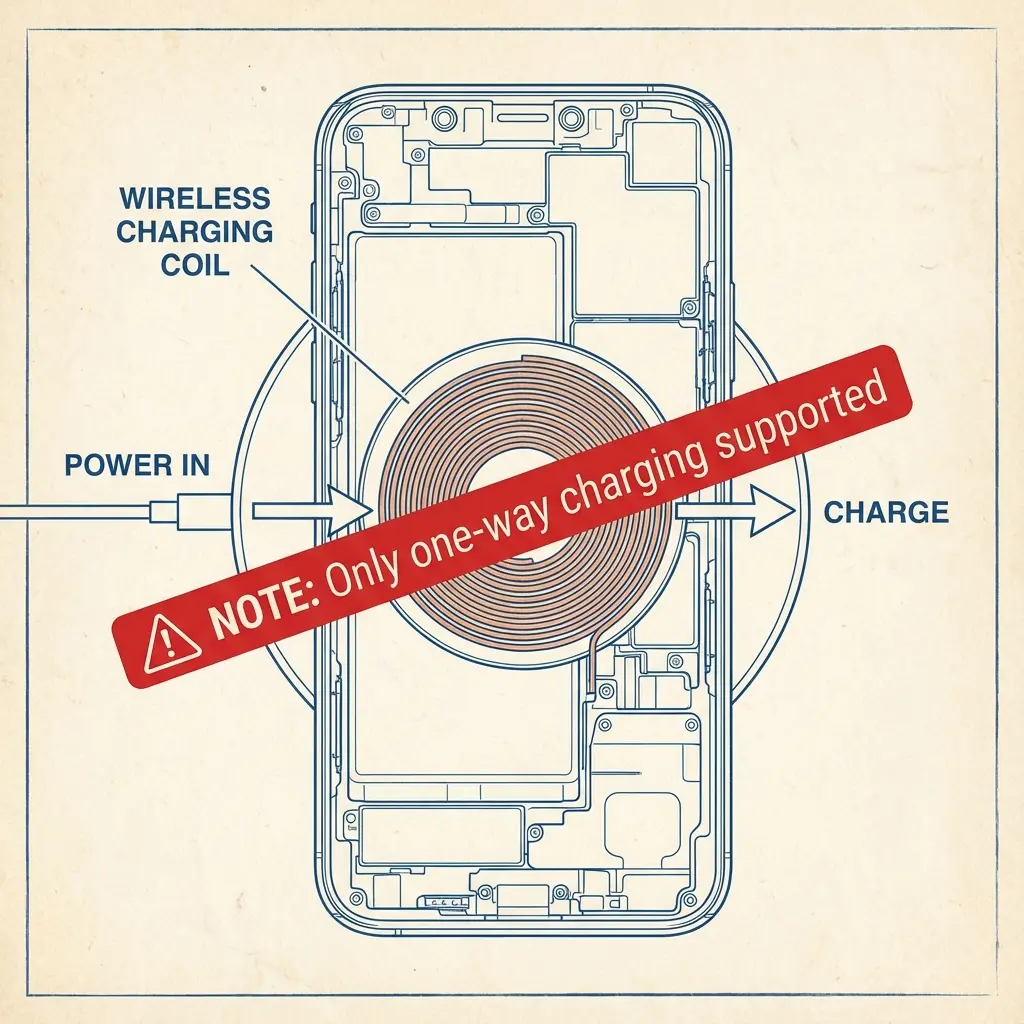
Why Can’t iPhone Transfer Charge Wirelessly?
There are three main reasons:
1. Apple hasn’t enabled reverse wireless charging in iOS
Even if the hardware supports it, the software does not.
2. It may affect battery health
Sharing power wirelessly reduces efficiency and increases heat.
3. MagSafe is designed for accessories, not phones
MagSafe accessories follow Apple’s strict certification, so sharing power with non-Apple devices is not currently allowed.
Can Android Transfer Charge Wirelessly? Yes.
Many Android brands support Wireless PowerShare or Reverse Wireless Charging, including:
- Samsung Galaxy S & Z series
- Google Pixel 6/7/8
- Xiaomi flagship phones
- OnePlus 12 / 11 Pro
These phones can share battery with:
- Another Android phone
- Wireless earbuds
- Smartwatches
But they cannot receive power wirelessly from iPhones because iPhone does not broadcast power.
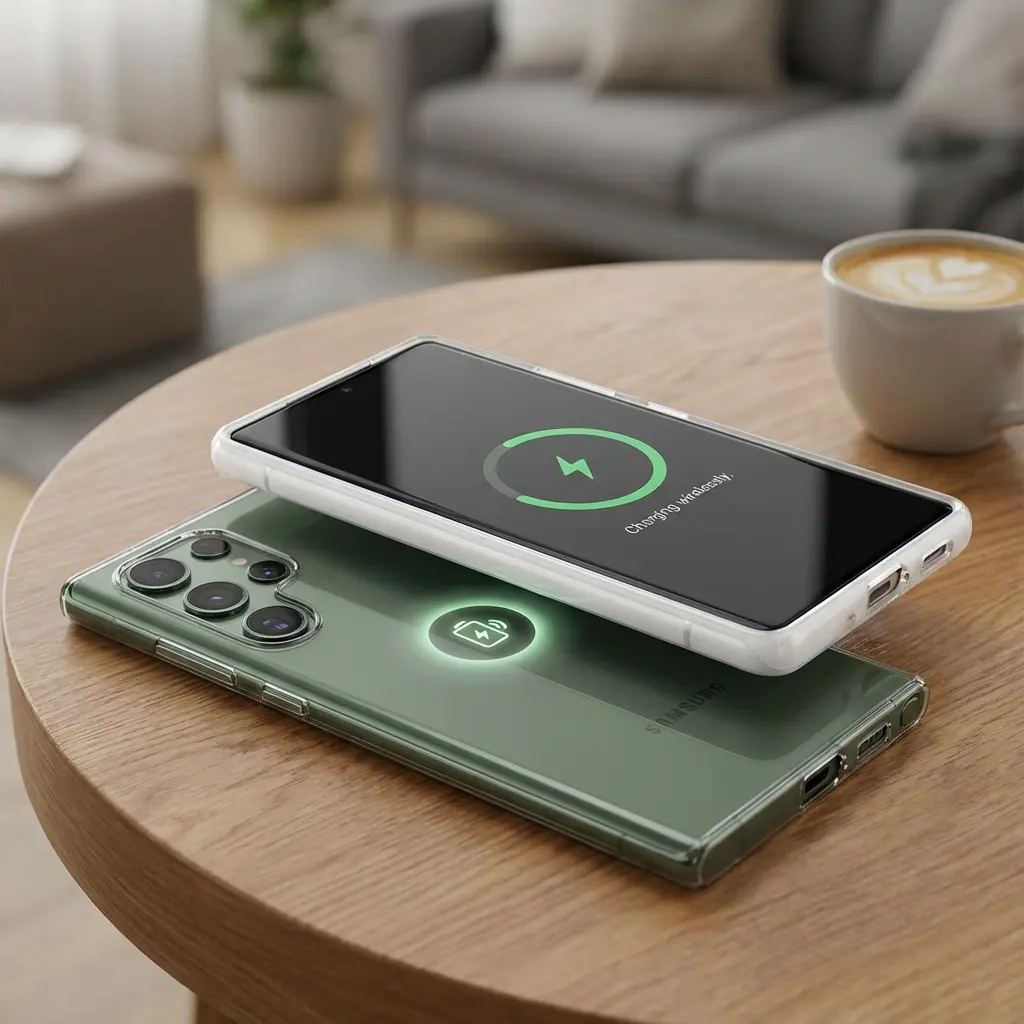
So Can You Transfer Charge From iPhone to Android Wirelessly?
👉 No, not directly.
There is no built-in feature, app, or setting that allows an iPhone to send power to an Android wirelessly.
But don’t worry — you still have 3 practical alternatives to share battery between iPhone and Android when needed.
Best Alternatives to Transfer Charge From iPhone to Android
1. Use a Two-Way Power Bank (Most Effective)
Two-way or “reverse” power banks support wireless output and can charge both iPhone and Android at the same time.
Features:
- Wireless charging pad
- USB-C + Lightning outputs
- Fast and safe charging
- Pocket-friendly
This is the easiest and fastest solution.
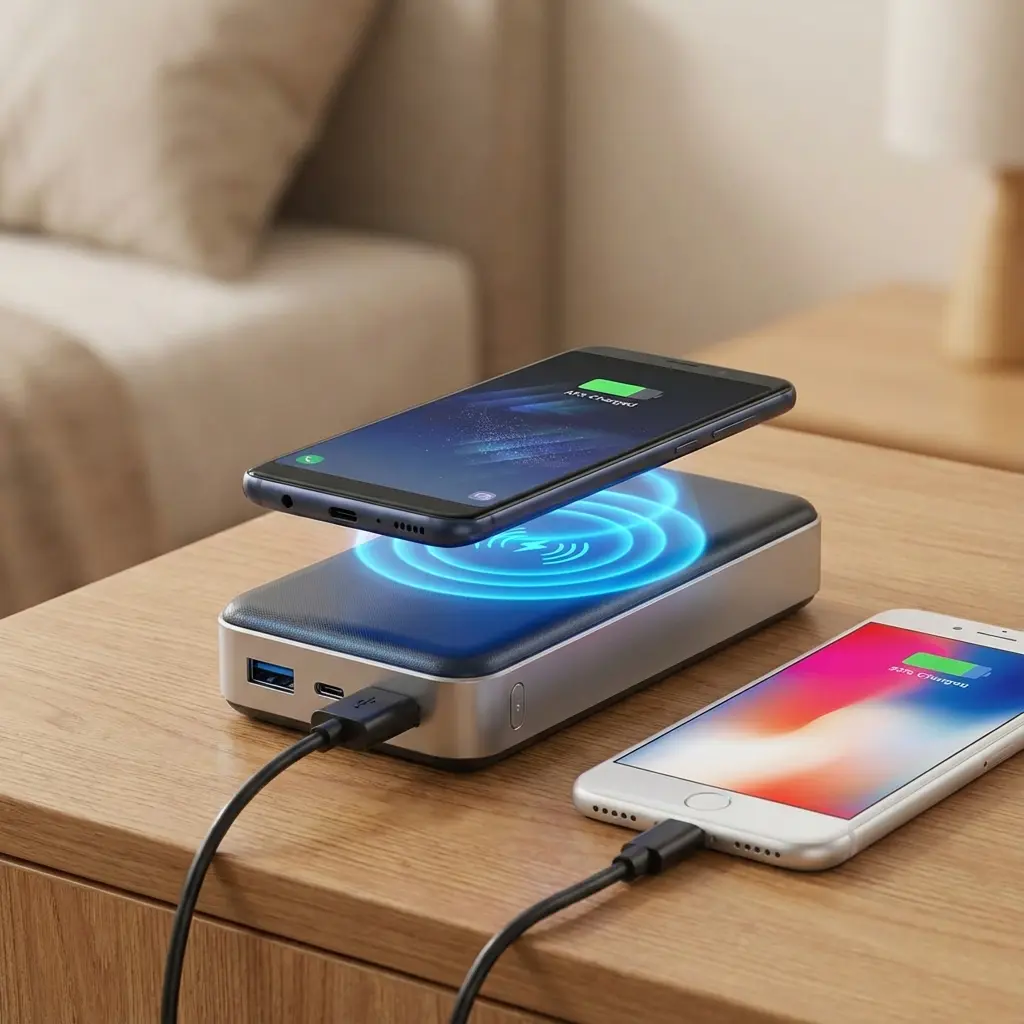
2. Use a Wireless Charging Pad (If Both Phones Are Available)
A standard wireless charging pad can help, but only in a swap method, not direct transfer.
Example:
- Charge iPhone on pad for 10–15 minutes
- Swap and charge Android on the same pad
This is not phone-to-phone charging, but it works when no cable is available.
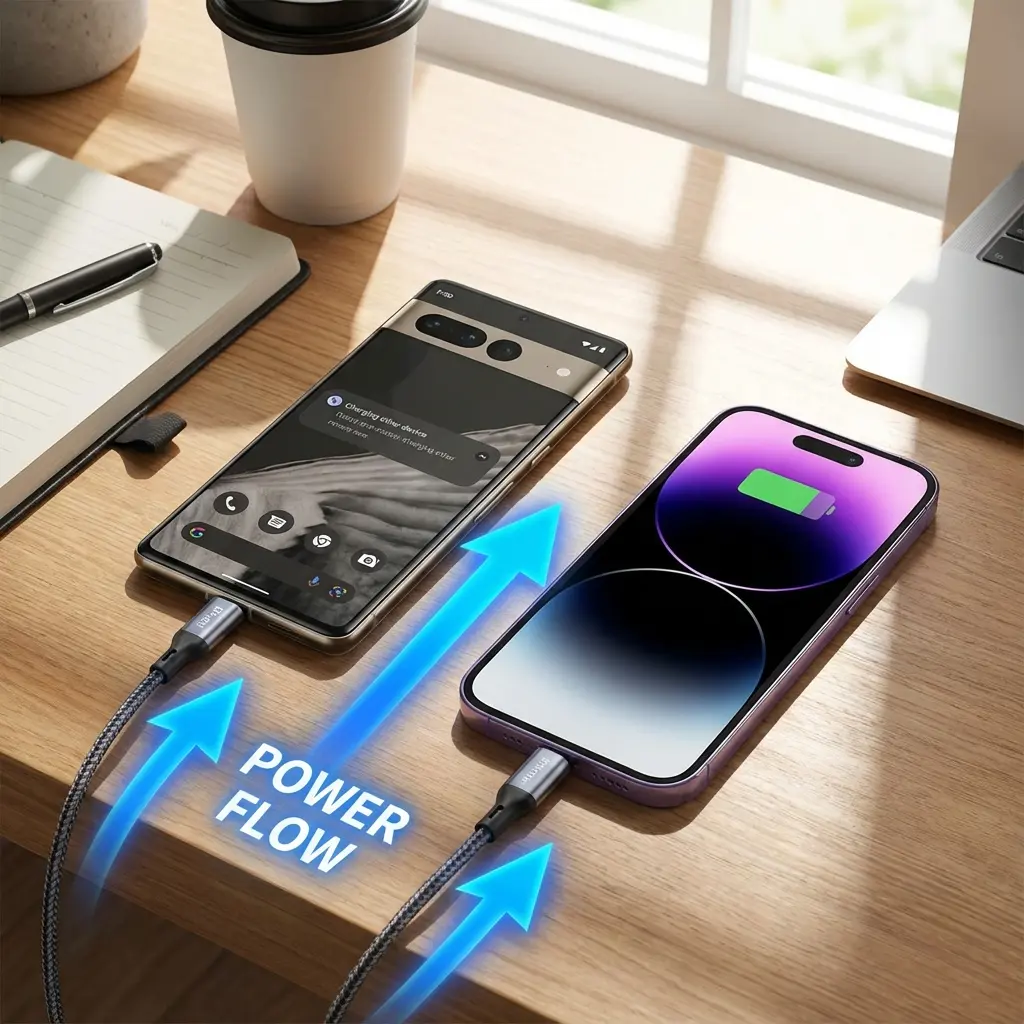
3. Use a USB-C to Lightning Cable (Fast Transfer, Not Wireless)
If both phones support OTG power output, the Android phone can send charge to the iPhone using a USB-C → Lightning cable.
However, the reverse is NOT possible — iPhone cannot send power to Android even through cable.
Why Wireless Battery Sharing Is Not Efficient Anyway
Even on Android phones that support it, wireless power sharing has these drawbacks:
- Slow (1W–5W)
- Generates heat
- Wastes 30–50% energy
- Stops working if devices move slightly
Direct cable charging (or power bank) is always more efficient.
Will Future iPhones Support Wireless Power Sharing?
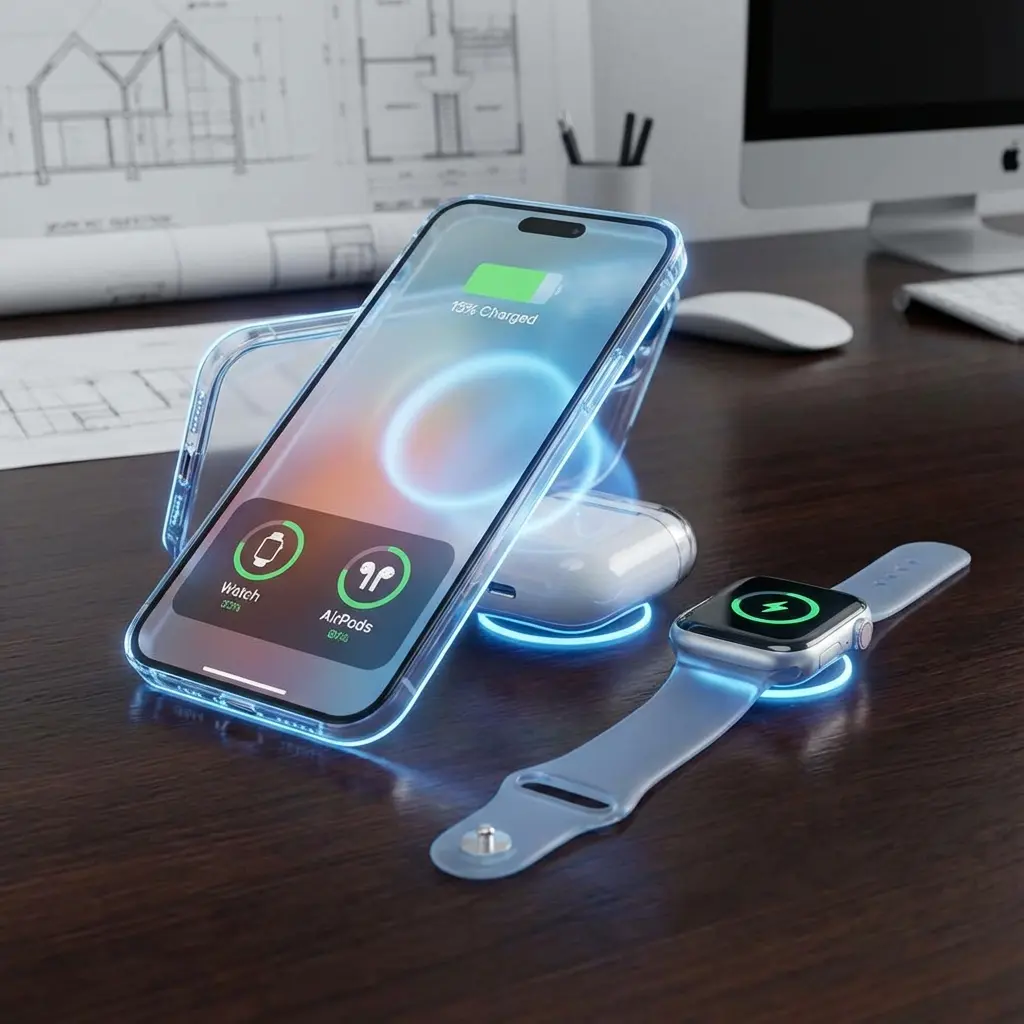
Rumors strongly suggest that iPhone 17 or 18 may unlock reverse wireless charging for:
- AirPods
- Apple Watch
- Other iPhones
Apple has already included partial support for reverse wired charging (iPhone 15 charges AirPods via USB-C cable).
So wireless reverse charging may come soon — but nothing is official yet.
How Wireless Charging Actually Works (Simple Explanation)
Wireless charging uses Qi technology that transfers electricity through electromagnetic coils.
To share battery wirelessly, a phone must:
- Receive wireless charging
- Transmit wireless charging
iPhones have receiver coils, Android has both receiver + transmitter.
Until Apple activates the transmitter function, sharing battery from iPhone to Android wirelessly is impossible.
Safe Charging Tips When Your Phone Battery Is Low
- Keep brightness low
- Turn on low power mode
- Close background apps
- Turn off Wi-Fi & Bluetooth
- Avoid gaming or video streaming
- Use airplane mode to save power fast
These tips can extend battery long enough until you find a charger.
FAQs About Transferring Charge Wirelessly
1. Can iPhone charge another device wirelessly?
No, iPhones cannot transmit wireless power.
2. Can Android receive wireless charge from iPhone?
No. iPhones don’t broadcast power.
3. Is any app available for wireless battery transfer?
No app can enable it — it requires hardware and system support.
4. Can magnets or MagSafe adapters help?
No, MagSafe accessories only support charging the iPhone, not reverse charging.
5. What’s the fastest emergency solution?
Use a USB-C to Lightning cable from an Android with OTG power output.
Conclusion
If you’re wondering how to transfer charge from iPhone to Android wirelessly, the truth is simple:
- It is not possible today.
- iPhones do not support wireless reverse charging.
- Android can do it, but iPhone cannot receive or send wireless power.
However, you can still share battery using practical alternatives like:
✔ Two-way wireless power banks
✔ Wireless charging pads (swap method)
✔ USB-C to Lightning cable (Android → iPhone only)
Technology is evolving fast, and Apple may soon activate wireless power sharing — but for now, using accessories is the only reliable solution.